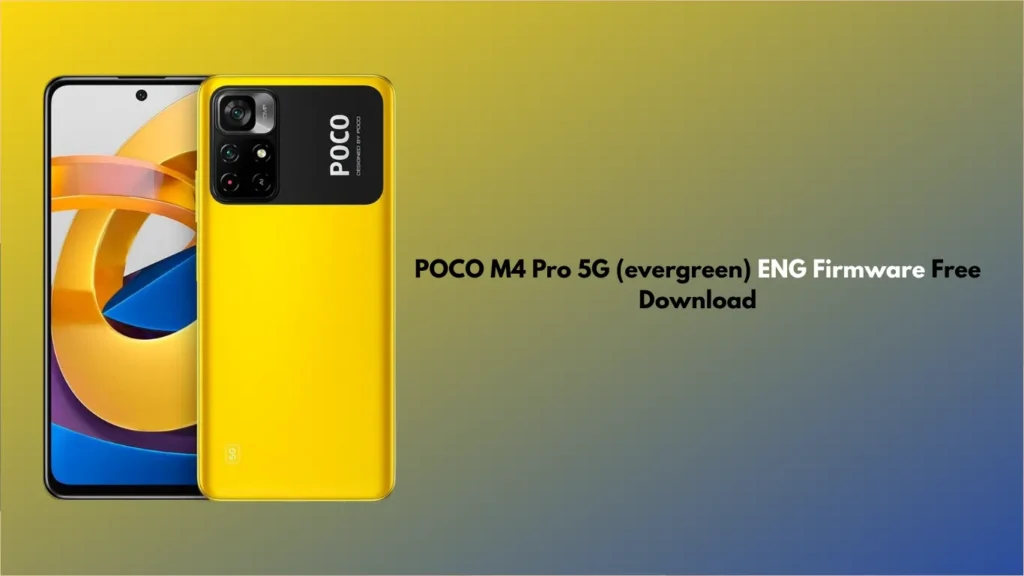
If you are a mobile technician or a power user looking to repair your device, finding the right engineering ROM is crucial. In this guide, we provide the POCO M4 Pro 5G (evergreen) ENG Firmware free download links along with a guide on how to use it for hardware testing, IMEI repair, and fixing bricked devices.
What is POCO M4 Pro 5G (evergreen) ENG Firmware?
The ENG Firmware (Engineering ROM) is a special developer-grade software used by Xiaomi technicians in factories. Unlike the standard MIUI Global or China ROMs, the ENG firmware comes with an unlocked interface and specialised tools designed for hardware debugging, calibration, and partition repairing.
For the POCO M4 Pro 5G (codenamed evergreen), which is powered by the MediaTek Dimensity 810 chipset, this firmware is an essential tool for deep-level system repairs.
Why Use the POCO M4 Pro 5G File?
Using the POCO M4 Pro 5G File is typically necessary in the following scenarios:
- IMEI Repair: If your device has lost its IMEI numbers or shows “Unknown Baseband.”
- Bootloop Fix: When the device is stuck on the POCO logo and standard flashing doesn’t work.
- Remove Mi Account/FRP: Some technicians use this ROM to bypass security locks (for legal repair purposes).
- Hardware Testing: Testing the camera, sensors, and network bands without the restrictions of the MIUI UI.
Download Link
Device Name: POCO M4 Pro 5G
Codename: evergreen
Chipset: MediaTek (MT6833P)
File Type: ENG Firmware / Engineering ROM
Read Also:
- Motorola XT2527-6 G86 5G MDM Lock
- MaAnt Maintenance Assistant free download
- All Box&Dongel Activation here
How to Install POCO M4 Pro 5G Firmware
To flash this firmware, you will generally need professional tools like UnlockTool, Chimaera, or SP Flash Tool.
- Backup Data: Flashing will erase everything.
- Drivers: Ensure you have the latest MediaTek (MTK) USB Drivers installed on your PC.
- Tool: Open your preferred flashing tool (e.g., SP Flash Tool).
- Load Scatter: Select the MT6833_Android_scatter.txt file from the downloaded firmware folder.
- Connection: Power off your POCO M4 Pro 5G. Hold Volume Up + Volume Down and connect it to the PC via USB.
- Flash: Click “Download” or “Flash” and wait for the “Success” message.
FAQ: POCO M4 Pro 5G (evergreen) ENG Firmware
1. Is the ENG Firmware suitable for daily use?
No. The POCO M4 Pro 5G (evergreen) ENG Firmware is strictly for repair purposes. It lacks many consumer features, has bugs, and the camera/battery optimisation is not meant for daily tasks. Once the repair is finished, you should flash the official Global/Stable MIUI ROM.
2. Do I need an Authorised Mi Account to flash this?
Since the evergreen model uses a MediaTek chipset, many modern tools (like UnlockTool) can flash it using “Auth Bypass” methods. However, if you are using the standard SP Flash Tool, you might encounter an Authentication requirement depending on your device’s security patch.
3. Will this fix the “System has been destroyed” error?
Yes, flashing the ENG firmware is one of the most effective ways to recover a POCO M4 Pro 5G from a “System has been destroyed” or “DM-Verity Corruption” error.
4. Can I use this for IMEI Repair?
Yes. The primary reason technicians search for POCO M4 Pro 5G (evergreen) ENG Firmware is to enable the diagnostic ports required to write IMEI and repair baseband data.
5. What is the codename for POCO M4 Pro 5G?
The codename is evergreen. Always ensure you are downloading the firmware for “evergreen” and not “fleur” (which is the 4G variant), as flashing the wrong firmware can hard-brick your phone.
Disclaimer: Flashing firmware involves risks. We are not responsible for any damage to your device. Proceed at your own risk or consult a professional technician.