If you recently purchased a second-hand Motorola G86 5G (XT2527-6) or finished a finance plan only to find the device still restricted, you are likely dealing with an MDM Lock.
Mobile Device Management (MDM) is a security protocol used by corporations and financial companies to control or monitor devices. When this lock is active, you might be restricted from using certain apps, or worse, the phone might be completely locked out.
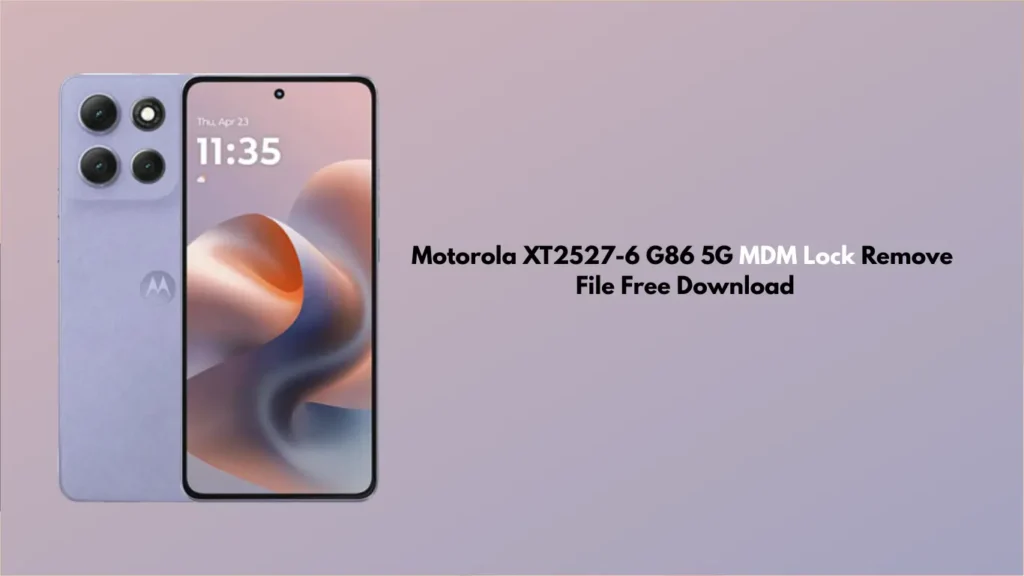
In this guide, we are providing the Motorola XT2527-6 G86 5G MDM Lock Remove File and a step-by-step tutorial on how to regain full access to your smartphone.
What is a Moto MDM Lock?
A Moto MDM Lock is a software-level restriction. It is often found on devices purchased through monthly instalment plans (like Bajaj Finance, TVS Credit, or corporate employee programs). Once the device detects a missed payment or a breach of company policy, it triggers the MDM lock, making the phone a “paperweight.”
The good news? With the right flash files and tools, you can bypass this restriction and use your Motorola G86 5G freely.
Download Motorola XT2527-6 G86 5G MDM Fix File
To remove the lock, you will need specific files compatible with the XT2527-6 model.
- File Name: Moto_G86_5G_XT2527-6_MDM_Remove_Tool.zip
- File Type: ADB/Fastboot or Scatter File
- Device Model: Motorola Moto G86 5G (XT2527-6)
- Status: Free / Tested
Read Also:
- Nothing Phone 3a Pro OS 3.2 Frp Remove UnBrick Firmware
- CircuitBit Mobile Schematic Diagram Tool APK Free Download
- All Box&Dongel Activations here
How to Remove MDM Lock on Moto G86 5G (Step-by-Step)
Follow these steps carefully. Please ensure your device has at least 50% battery.
Prerequisites:
- A Windows PC and a high-quality USB Cable.
- Motorola USB Drivers installed.
- The downloaded MDM Remove File (extracted to your desktop).
Implementation Steps:
- Enter Fastboot Mode: Turn off your Motorola G86 5G. Press and hold the Volume Down + Power Button simultaneously until the Fastboot logo appears.
- Connect to PC: Plug your phone into the computer via USB cable.
- Run the Tool: Open the extracted folder of the MDM Remove File. Look for a file named MDM_Unlock.bat or Flash_Tool.exe.
- Execute the Process: Follow the on-screen prompts. The tool will communicate with your device and wipe the MDM configuration partition.
- Reboot: Once the process is marked as “Finished” or “Success,” your phone will reboot automatically.
- Setup: During the initial setup, do not connect to Wi-Fi immediately. Skip the setup steps until you reach the home screen to ensure the MDM doesn’t re-trigger during the update check.
Important Disclaimer
Removing an MDM lock should only be done for legal reasons, such as when you have fully paid off a finance plan, but the company failed to unlock it remotely. Use this file at your own risk. We are not responsible for any software damage or voided warranties.
FAQ,
Yes, using the professional flash file method usually removes the MDM profile permanently. However, performing a “Hard Factory Reset” or a “Software OTA Update” might occasionally bring the lock back, depending on the security patch level.
Yes. Removing an MDM lock typically requires a partition wipe, which will delete your photos, contacts, and apps. Always back up your data if you still have access to the phone menu.
This specific file is designed for the Moto G86 5G (XT2527-6). Using it on other models could brick the device. Always verify your model number in Settings > About Phone.
In most cases, these MDM fix files work via Fastboot or EDL mode and may not require a fully unlocked bootloader, though it depends on the specific security version of your firmware.
We recommend disabling “Auto-Update” in the developer options after removing the lock to prevent the system from re-verifying the MDM status with the corporate servers.
Conclusion
The Motorola XT2527-6 G86 5G is a powerful device, and an MDM lock shouldn’t stop you from using it. By using the free download file provided above, you can bypass restrictions and enjoy the full Android experience.
Need help? Drop a comment below with your error log, and our community will try to assist you!