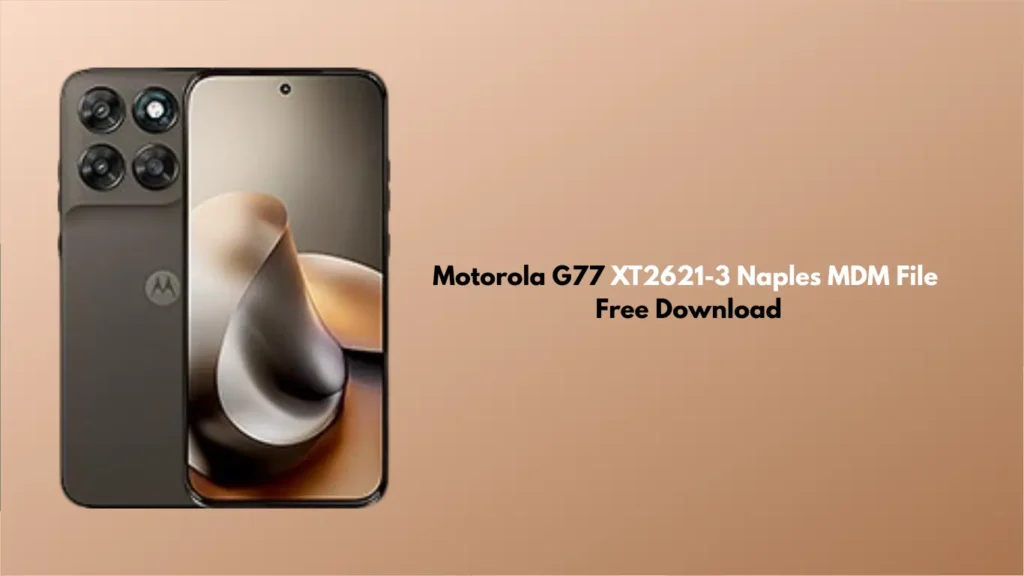
Are you stuck with a Motorola G77 (XT2621-3) that is restricted by Mobile Device Management (MDM)? Whether it is a corporate-locked device or a phone under a finance plan that has been restricted, an MDM lock can turn a powerful smartphone into a paperweight.
In this guide, we are providing the Motorola G77 XT2621-3 Naples MDM File for download and explaining how you can use it to regain full control of your device.
What is the Motorola G77 XT2621-3 (Naples) MDM Lock?
The Motorola G77, codenamed Naples, often comes with pre-installed MDM software if purchased through a corporate program or finance provider (like PayJoy, KG, or Samsung Finance equivalents). This lock prevents users from:
- Factory resetting the device.
- Accessing certain settings.
- Installing specific apps.
- Using the phone entirely if payments are missed.
By using the correct Motorola G77 XT2621-3 Naples MDM File, you can bypass these restrictions and use the phone as a standard retail unit.
Prerequisites
Before you begin the process, ensure you have the following:
- A Windows PC: Most flashing tools are Windows-based.
- USB Cable: A high-quality Type-C cable to ensure a stable connection.
- Motorola USB Drivers: Ensure your PC recognises the device in Fastboot or EDL mode.
- Unlock Tool / Pandora Box / Chimaera: Most MDM files require a professional service tool to flash the specific partitions.
- Backup: MDM removal usually wipes all data. Back up your photos and contacts first!
Motorola G77 XT2621-3 Naples MDM File Download
You can download the tested MDM bypass file via the link below. This file is specifically designed for the Naples variant (XT2621-3).
- File Name: Motorola_G77_XT2621-3_Naples_MDM_Remove_File.zip
- File Type: Scatter/Firmware Patch
- Device: Motorola G77 (Naples)
- Status: Tested & Working
How to Flash the MDM Bypass File
- Extract the Files: Download and extract the MDM file and your preferred flash tool (e.g., UnlockTool).
- Launch the Tool: Open your flashing software and select the “Motorola” tab.
- Select Model: Search for Motorola G77 (Naples) or XT2621-3.
- Load the File: Browse and select the MDM bypass file you downloaded.
- Connect Device: Power off your Motorola G77. Hold Volume Down + Power to enter Fastboot mode, or use the test-point method if required by your specific tool.
- Flash: Click on “Flash” or “Remove MDM.”
- Reboot: Once the process is complete, the device will reboot automatically.
Also Read:
- POCO M4 Pro 5G (evergreen) ENG Firmware Free Download
- KS Tool V4.6 Unlocking and Flashing Tool 2026 Free Download
- All Box&Dongle Activations here
Frequently Asked Questions (FAQ)
Yes, the file provided in this guide is free to download. However, please note that the software tools used to flash the file (like UnlockTool or Pandora) often require a paid license.
Yes. Flashing an MDM removal file involves wiping the protected partitions of the phone, which will trigger a factory reset. Always back up your data before proceeding.
This specific file is optimised for the XT2621-3 (Naples). While it may work on other G77 variants, we recommend verifying your model number in Settings > About Phone before flashing to avoid “bricking” the device.
In most cases, yes. However, if you perform a hard factory reset or a firmware OTA update, there is a small chance the MDM lock could return, depending on the security level of the device.
For many modern Motorola MDM bypasses using professional tools, a bootloader unlock is not always required, as the tools work via specialised protocols (EDL or Preloader mode).
Disclaimer: This guide is for educational and repair purposes only. Bypassing MDM on a device you do not legally own or have not fully paid for may violate your terms of service. Use this file at your own risk.