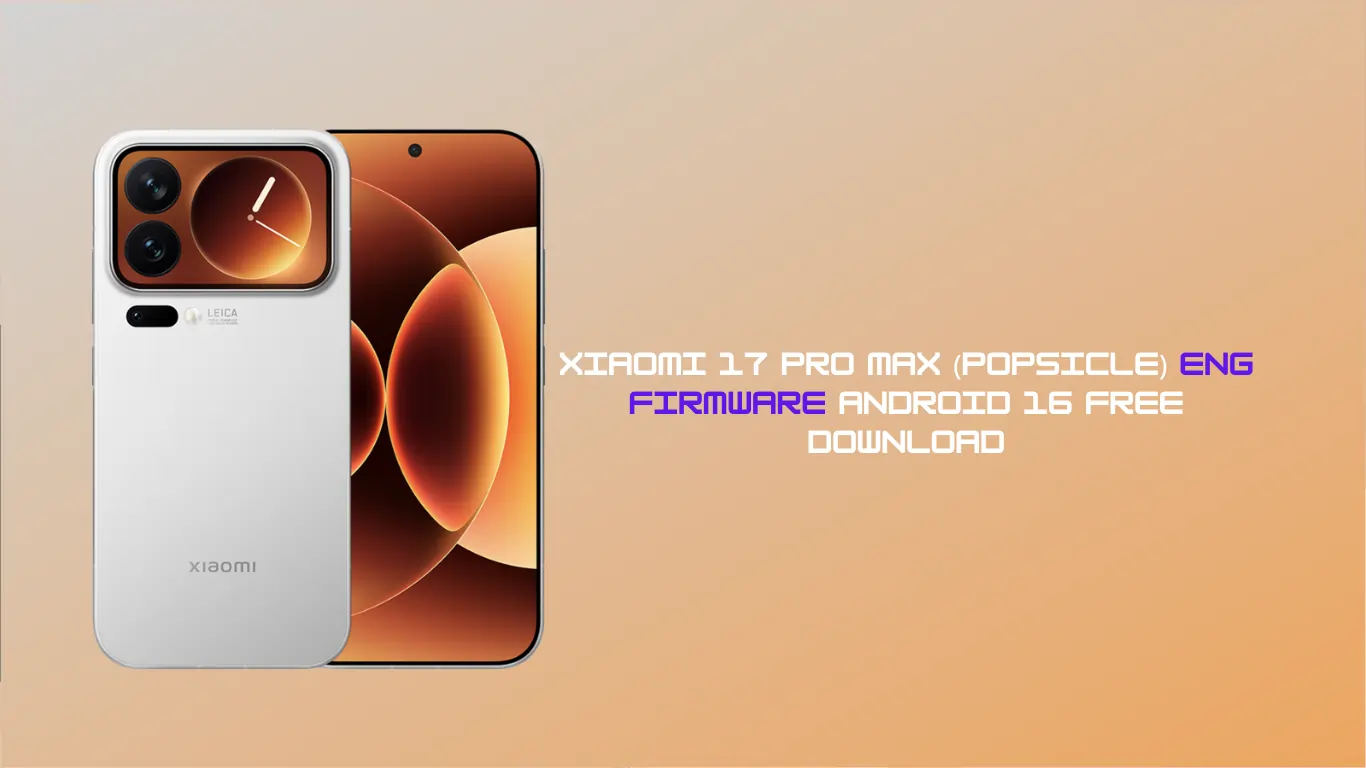
Are you looking to unbrick, repair, or deep-test your brand-new Xiaomi flagship? You’ve come to the right place. Today, we are sharing the Xiaomi 17 Pro Max (popsicle) Eng Firmware based on the latest Android 16 architecture.
Whether you are a developer, a professional technician, or a power user trying to navigate the complexities of Xiaomi’s latest hardware, having the Engineering (Eng) Firmware is your ultimate “skeleton key.”
What is Xiaomi 17 Pro Max (popsicle) Eng Firmware?
For the uninitiated, Eng Firmware (Engineering Firmware) is a special version of the operating system used by factory engineers for hardware testing and debugging. Unlike the standard Global or China ROMs, this firmware comes with unlocked features that allow you to:
- Repair IMEI: Essential for fixing network issues after a corrupt flash.
- Bypass Mi Account/FRP: Useful for recovery purposes.
- Fix Software Bricks: Bring your “popsicle” device back to life from a hard brick or boot loop.
- Hardware Testing: Access deep-level diagnostic tools not available to the public.
Note: The Xiaomi 17 Pro Max (codename: popsicle) is a powerhouse. Running it on Android 16 requires the right tools to ensure you don’t damage the motherboard.
Firmware Information
- Device Name: Xiaomi 17 Pro Max
- Codename: popsicle
- Android Version: 16
- Firmware Type: Engineering (Eng) Firmware
- Flash Tool: Mi Flash Tool / QPST (Qualcomm)
- Status: Free Download / Tested
Why Use Android 16 Eng Firmware?
Android 16 introduces new security layers and a revamped kernel structure. If you are working on the Xiaomi 17 Pro Max (popsicle) Eng Firmware, you will notice that this build allows for easier access to the device’s partition table. This is crucial for technicians who need to write to the EFS partition or perform factory resets that standard recovery modes block.
Prerequisites Before Flashing
Flashing engineering firmware is a high-level task. Before you begin:
- Backup Your Data: Flashing will wipe everything.
- Charge Your Device: Ensure at least 50% battery.
- Install Drivers: Make sure the latest Qualcomm USB Drivers are installed on your PC.
- Unlock Bootloader: While some Eng firmwares work via EDL mode, having an unlocked bootloader makes the process safer.
How to Install Xiaomi 17 Pro Max (popsicle) Eng Firmware
- Download the Package: Extract the Xiaomi 17 Pro Max (popsicle) Eng Firmware zip file to your desktop.
- Open Flash Tool: Use the latest version of Mi Flash Tool.
- Enter Mode: Put your device into Fastboot Mode (Volume Down + Power) or EDL Mode (via test points or authorised account).
- Select Firmware: In Mi Flash Tool, click ‘Select’ and point to the extracted firmware folder.
- Flash: Click the ‘Flash’ button and wait. Once you see the “Success” message, your device will reboot into the engineering interface.
Download Section
FAQ,
No. Xiaomi 17 Pro Max (popsicle) Eng Firmware is for repair and testing purposes only. It lacks the polished UI of HyperOS and may have bugs in the camera or sensors. Once the repair is done, you should flash the official Global or China ROM.
Yes, this is one of the most effective ways to fix a destroyed system partition on the Xiaomi 17 Pro Max.
Most modern Xiaomi devices require an authorised account for EDL flashing. However, if your bootloader is already unlocked, you can usually flash this via Fastboot without an authorised account.
Flashing any non-official consumer ROM typically voids your software warranty. Proceed with caution.
As an engineering build, “stability” isn’t the priority—access is. You will see a raw Android interface designed for debugging.
Conclusion
The Xiaomi 17 Pro Max (popsicle) Eng Firmware is a must-have for anyone serious about maintaining or repairing Xiaomi’s latest flagship. With the power of Android 16, this firmware provides the deep-level access needed to keep your device running smoothly.
Need help? Drop a comment below or join our Telegram group for real-time support with your Xiaomi 17 Pro Max!
Disclaimer: Flashing firmware carries risks. We are not responsible for any hardware damage. Use these files at your own risk.