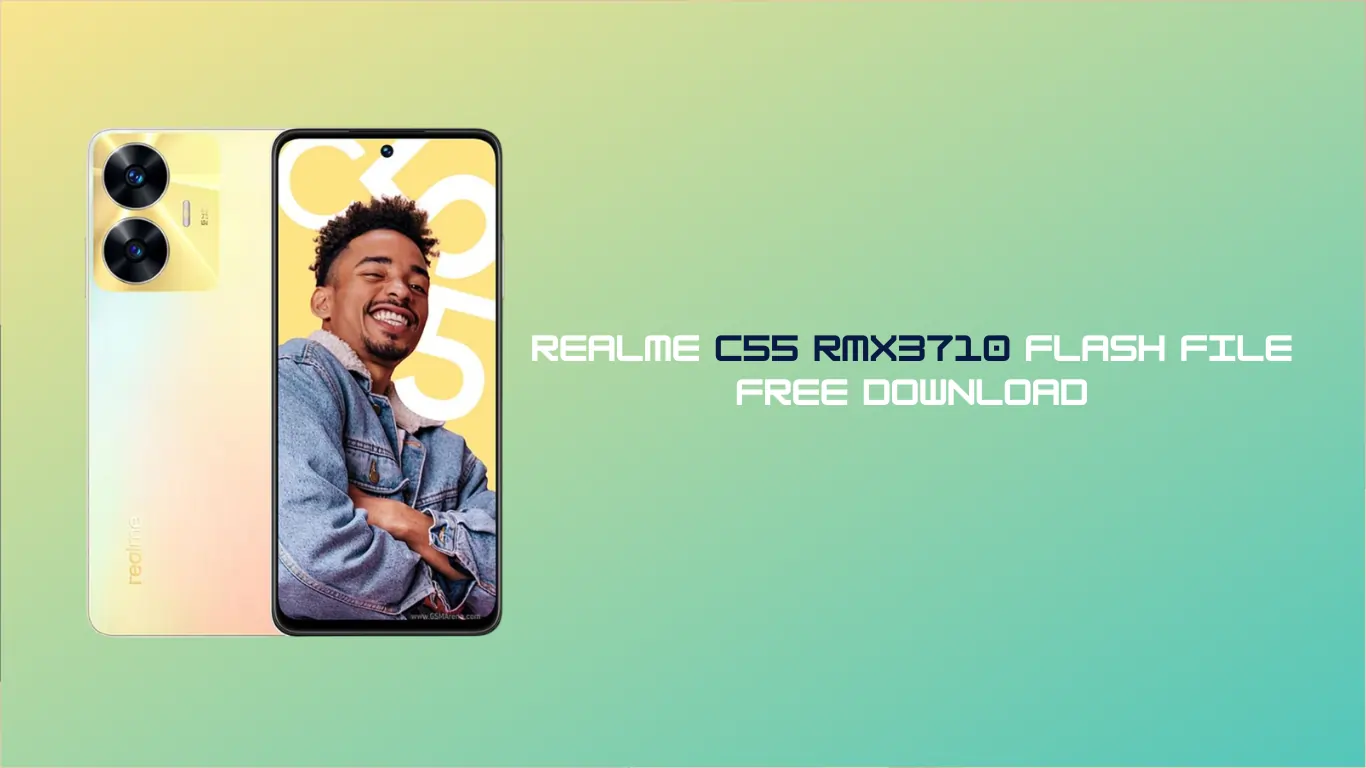
Are you facing issues with your Realme C55? Is your phone stuck on the Realme logo, restarting automatically, or running very slowly? Don’t worry; you are not alone. Software issues are common, but the good news is that they are easy to fix.
In this post, I am sharing the Realme C55 RMX3710 Flash File (Stock ROM) for free. Whether you want to unbrick your device, remove a pattern lock, or fix the “Hang on Logo” issue, this firmware will help you restore your phone to its original state.
I have written this guide in simple language, so even if you are not a mobile technician, you can follow the steps carefully to flash your phone.
Why Do You Need the Realme C55 Flash File?
Before we jump to the download links, let’s understand why flashing is necessary. The Realme C55 RMX3710 Flash File is basically the operating system of your mobile. Re-installing it can fix several problems:
- Fix Bootloop: If your phone keeps restarting.
- Hang on, Logo: If the phone turns on but gets stuck at the Realme branding.
- Remove Virus/Malware: Cleans the phone completely.
- Unbrick Device: Brings a dead phone back to life (if the issue is software-related).
- Pattern/Pin Unlock: Removes forgotten screen locks (Data will be lost).
- FRP Fix: Helps in bypassing Google Account locks (requires specific tools).
File Details (Firmware Info)
- Device Name: Realme C55
- Model Number: RMX3710
- CPU Type: MediaTek (MTK) Helio G88
- Android Version: Android 15
- File Type: Scatter File / OFP
- Status: Tested & Official
Download Realme C55 RMX3710 Flash File
Here is the direct link to download the tested firmware. Please make sure to check your current software version before flashing to avoid compatibility issues.
[Realme C55 RMX3710 Latest Firmware] (here).
[Download Flash Tool] (here).
[Download USB Drivers] (here)
Prerequisites (Read Before Flashing)
To ensure the flashing process goes smoothly using the Realme C55 RMX3710 Flash File, please keep these points in mind:
- Battery Charge: Ensure your phone has at least 50% battery backup. If the phone dies during flashing, it can become permanently dead.
- Backup Data: Flashing will erase all data (Photos, Contacts, Messages). Please take a backup if your phone is still turning on.
- Original Cable: Always use the original USB Data Cable for a stable connection.
- Drivers: You must install MediaTek (MTK) USB Drivers on your PC so the computer can detect your phone.
How to Flash Realme C55 (RMX3710)
Since the Realme C55 is based on a MediaTek chipset, you can use the SP Flash Tool or the official Realme Flash Tool. However, newer Realme devices often require an Authorised Tool or a premium tool like UnlockTool.
General Steps:
- Download and extract the Realme C55 RMX3710 Flash File on your PC.
- Install the MTK USB Drivers.
- Open the Flash Tool (SP Flash Tool or MSM Download Tool, depending on the file type).
- Load the Scatter file or OFP file from the extracted folder.
- Turn off your mobile completely.
- Press and hold the Volume Up + Volume Down buttons and connect the USB cable to the PC.
- Once the tool detects the phone, click on the Start/Download button.
- Wait for the process to complete (it usually takes 5-10 minutes).
- Once done, the phone will restart automatically.
(Note: The first boot after flashing takes longer than usual. Please be patient.)
FAQ,
Yes, the file provided in this blog is 100% free to download. However, you might need specific tools to install it, depending on the security patch of your phone.
Yes. Flashing the stock ROM formats the internal storage. All your photos, videos, and contacts will be deleted.
Yes, flashing the Realme C55 RMX3710 Flash File will reset the phone to factory settings, which removes the pattern or pin lock.
If the phone is dead due to a software crash or wrong flashing, this file will fix it. However, if it is a hardware issue (eMMC or motherboard fault), flashing will not help.
Yes, you need a Windows Laptop or PC to run the flash tool and install the firmware.
Disclaimer:
Flashing firmware involves risk. If you don’t follow the steps correctly, you might damage your device. We are not responsible for any damage to your phone. Proceed at your own risk.
Conclusion
I hope this article helped you download the Realme C55 RMX3710 Flash File and fix your device. If you face any errors during the download or installation process, feel free to comment below, and I will try to help you out!