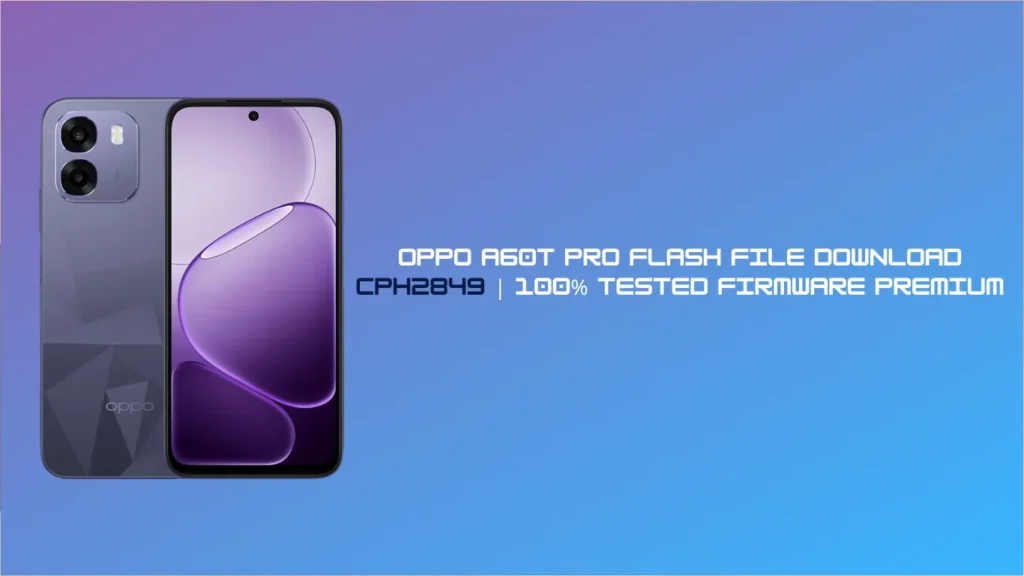
Hello friends! If you have an Oppo A60t Pro smartphone and are experiencing a software issue, you’ve come to the right place. Sometimes, while using the phone, the device hangs, gets stuck on the logo (boot loop), or dies for some reason. In such a situation, the best way to fix your phone is to install the new Oppo A60t Pro Flash File.
In today’s blog post, I’ll show you how to download the original and tested flash file for your CPH2849 model and how to flash it correctly. So, let’s get started!
Why do you need the Oppo A60t Pro Flash File?
There are many reasons for installing software (firmware) on any phone. If you’re experiencing any of the problems listed below on your CPH2849export_11_15.0.2.711EX01_2025112820190000 model, flashing will 100% fix them:
- Phone Hang on Logo: When I start the phone, only the Oppo logo is visible, and it won’t progress further.
- Auto Restart Issue: The phone keeps turning off and on automatically.
- FRP/Pattern Lock: If you’ve forgotten your phone’s password or Google account.
- Dead Boot Repair: If the phone is completely dead due to a faulty update or virus.
- System UI Has Stopped: Errors are repeatedly appearing on the screen.
Prerequisites Before Flashing
Be sure to keep these things in mind before inserting the Oppo A60t Pro flash file into your phone:
- Battery Percentage: Your phone’s battery should be at least 50% to 60% charged.
- Data Backup: All data on your phone (photos, videos, contacts) will be deleted during the flashing process,so back it up first (if the phone is on).
- Original USB Cable: Use a good-quality USB data cable to connect the phone to the PC/Laptop.
- PC/Laptop: A working computer with Windows 7, 8, 10, or 11 is required.
Download Oppo A60t Pro (CPH2849) Flash File & Tools
Here I am giving you details of all the files required for flashing. You can easily download them from the internet:
- File Name: Oppo_A60t_Pro_CPH2849export_11_15.0.2.711EX01_2025112820190000Firmware.zip.
- Model No: CPH2849.
- Flash Tool: Oppo MSM Download Tool / SP Flash Tool (Depends on chipset).
- USB Drivers: Oppo USB Drivers / MTK–Qualcomm Drivers.
How to Flash the Oppo A60t Pro (CPH2849)? (Step-by-Step Guide)
If you’ve downloaded the file, follow this simple guide:
- First, install the Oppo USB Drivers on your computer so your PC can detect your phone.
- Extract the downloaded Oppo A60t Pro Flash File and Flash Tool using WinRAR or 7-Zip.
- Now, open the Flash Tool (such as MSM Download Tool) on your PC.
- Load the ‘Firmware’ or ‘Scatter/Oform’ file you extracted from the tool.
- Switch off your Oppo A60t Pro (CPH2849) completely.
- Press and hold the Volume Up (+) and Volume Down (-) buttons on your phone simultaneously, then connect it to the PC via a USB cable.
- Once the tool detects your phone, click the ‘Start’ or ‘Download’ button.
- The flashing process will begin. This may take 5 to 10 minutes. When the green “Download Complete” or “Pass” message appears, unplug the phone.
Congratulations! Your Oppo A60t Pro is now as good as new.
FAQs
Answer: Yes, there are many trusted websites on the internet where you can download a completely free and tested flash file for your CPH2849 model.
Ans: If you are installing the official Oppo stock ROM (firmware), the warranty is not voided. However, using a third-party tool or custom ROM may void the warranty.
Ans: No. Flashing is a deep process that restores your phone to its factory state. This process erases all data from the internal storage.
Ans: This happens if you flashed the wrong version of the file or there’s a hardware issue. Make sure you’re using the latest file for your exact model number, CPH2849. If it still won’t turn on, take it to the nearest mobile repair shop.
Ans: If my phone turns on, I can update it using the SD card in recovery mode. However, if my phone is dead or hangs on the logo, I’ll need a PC and a flash tool.
Disclaimer: Flashing is a technical process. If done incorrectly, your phone could become permanently dead. Follow this guide at your own risk.